For wedding magnet makers
Wedding photo magnet software
Live Impressions runs a wedding as a prepaid event: the couple pays you once, guests scan a QR code at the reception and claim their included magnets on their own phones with no checkout, and you print the orders on sheets while the party is still going.
The couple pays you, not us: you bill them however you normally do. Prepaid events work on every plan, Free included.
Prepaid claims
How a prepaid wedding works
The couple pays once, up front. Every guest after that just claims.
Agree the package with the couple
Settle how many magnets each guest gets, then invoice the couple directly, the way you do now. Live Impressions stays out of that payment, and guests never see a price for anything that's included.
Set the event to Prepaid
In the event's settings, choose Prepaid / VIP. Pick the included product and package, such as a single 2 x 2 magnet, then set how many each guest can claim and, if you like, a cap for the whole wedding.
Make it theirs
Add the couple's monogram or logo to print on every photo, and border text such as their names and the date around each piece. Time-gate the event so the page opens when the reception starts.
Guests scan and claim
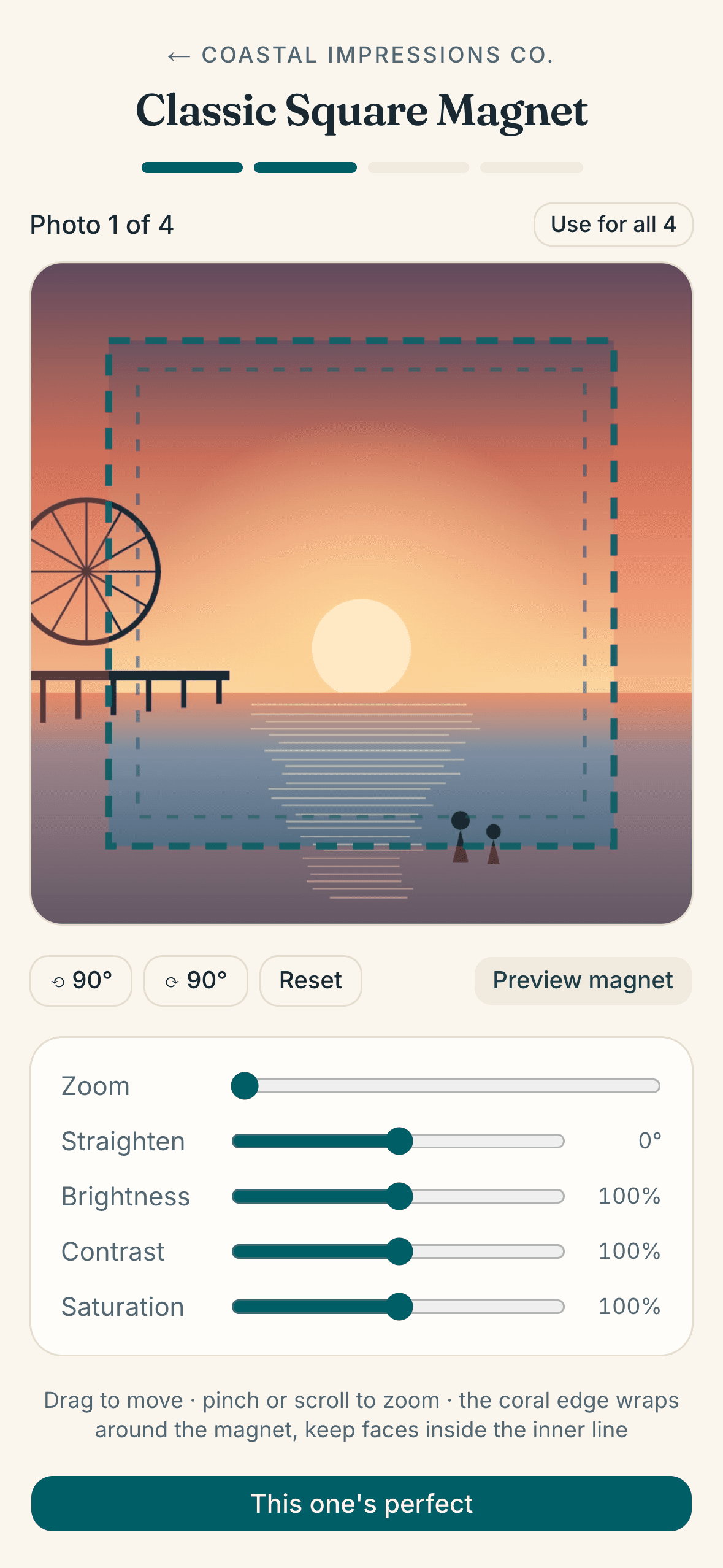
Put the QR code on the tables or at your booth. Guests scan it, type their name, add their photos and claim with no checkout.
One claim can hold several photos, up to 20 at a timeon a guest's own phone. Email is optional; it only gets them a link to follow their order.
Print during the reception
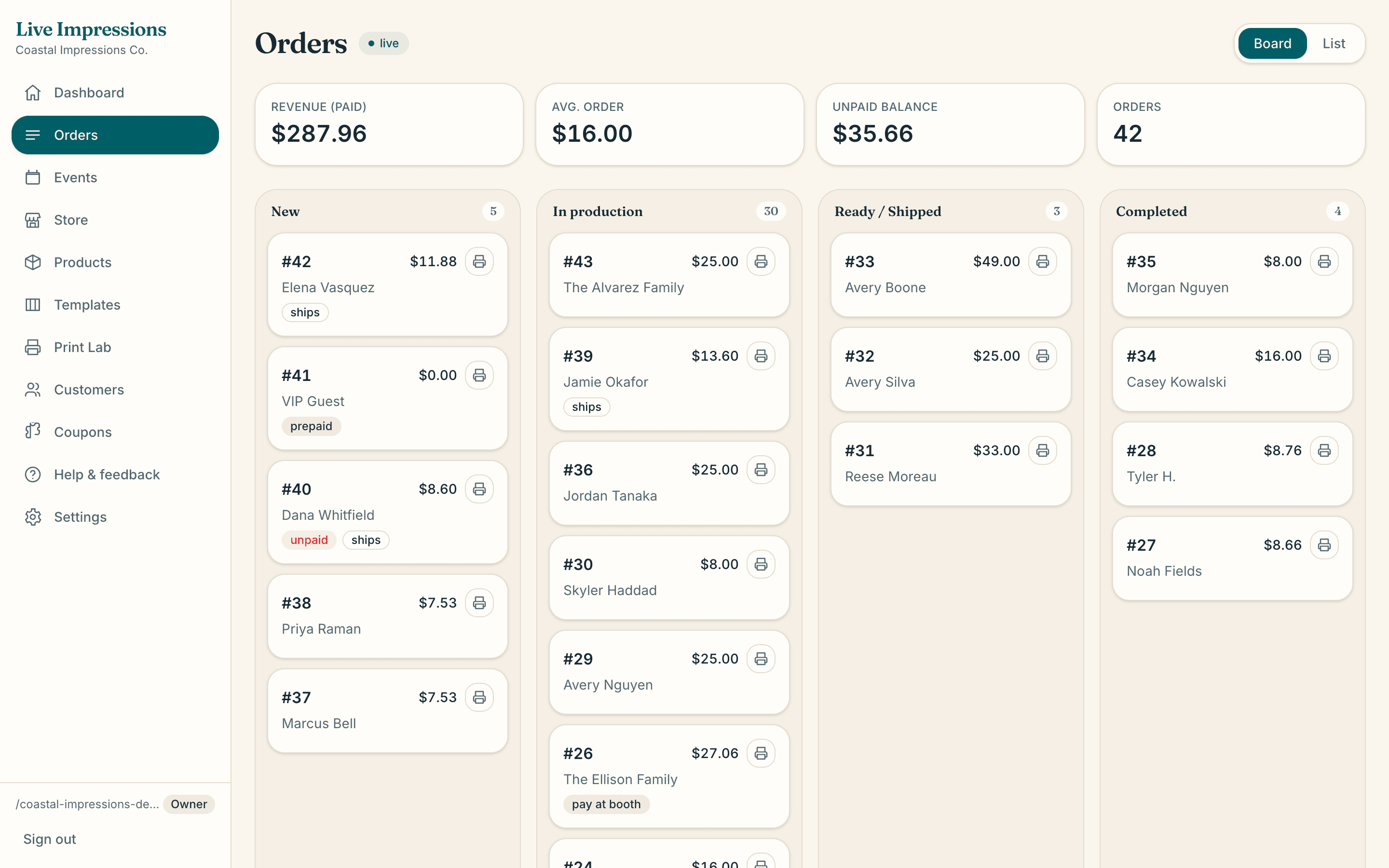
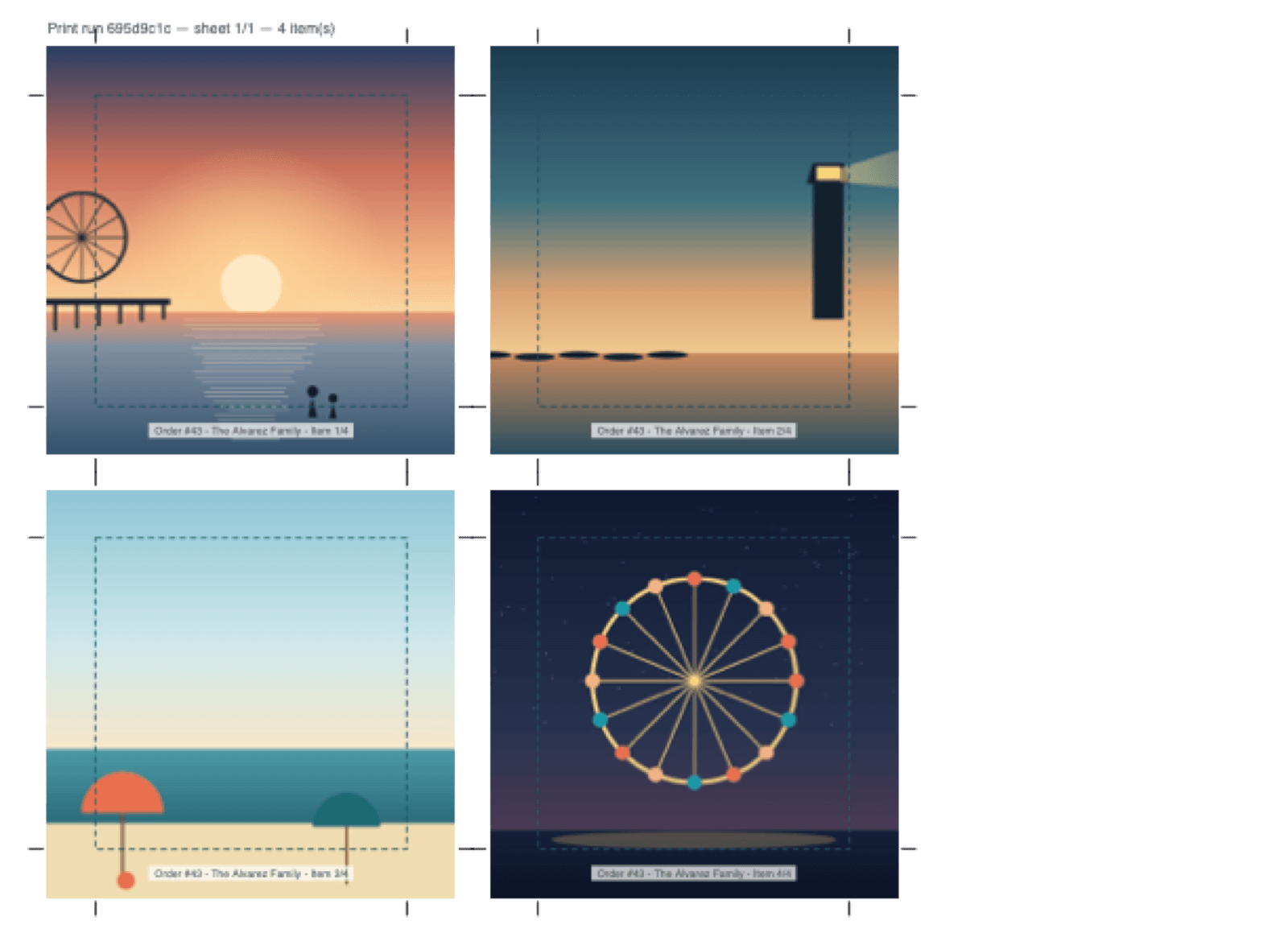
Claims land on your live board marked prepaid, next to any paid orders. Print all new lays them out on sheets with each guest's name on the label, so you can print during the reception and hand the magnets out by name.
Fair for everyone
Limits that hold on a busy night
The couple paid for a set number of magnets. These settings make sure that's what gets claimed.
A limit for each guest
It counts by email when a guest leaves one, and by device when they don't. A couple sharing one phone shares one limit, so it's easiest for each person to claim on their own phone.
A cap for the whole wedding
The most all the guests can claim together. It holds even when two guests claim at the same moment.
Stop, or sell extras
When a guest reaches their limit, stop there or let them buy more. Extras are offered only once nothing included is left, and they're paid like any other order.
One at a time on the tablet
On a booth tablet in kiosk mode, guests claim one photo at a time, and the tablet clears itself before the next guest steps up.
Bulk pricing
Favors, save-the-dates and big orders
- Price a product in bulk: a minimum order, then a lower price per magnet from each quantity you choose, for example 25, 50, 100 and 250.
- Pick how the price bands add up. Flat gives every magnet the price of the band the total lands in. Marginal works like tax brackets, so a bigger order never costs less than a smaller one.
- Charge more when one order uses several different designs, or add a setup fee per design.
- Selling one photo on 100 magnets, like a save-the-date? Make it a package that prints one photo across the whole quantity.
- Keep bulk products off the booth kiosk, so a big order is a conversation with you rather than a wait at the tablet.
Private events
Event pages stay out of search
Wedding event pages are kept out of Google and other search engines. Guests claim with just their name, so there are no codes to hand out and no emails to collect. Time-gating keeps the page closed outside the reception.
One thing to know: if you have a Live Impressions website, it lists your published events by name, date and venue, and the website can show up in search. Call a private wedding something general rather than using the couple's names.
A wedding counts as one event, and the Free plan includes 1 live event a month. See every plan
Wedding questions
How do prepaid wedding magnets work?+
The couple pays you for the magnets ahead of time. At the reception, guests scan a QR code, add their photos and claim their magnets with no checkout. You print the claims on sheets as they come in and hand them out by name.
Does the couple pay through Live Impressions?+
No. You invoice the couple directly, however you normally do. Every claim is an order on your board, so you can see exactly what guests claimed.
Can a guest add more than one photo?+
Yes. On their own phone, a guest can add several photos in one claim, up to 20 at a time, as long as they stay within their limit. On a booth tablet in kiosk mode, it's one photo at a time.
How do I stop one guest claiming everything?+
Set a per-guest claim limit. It counts per email when a guest gives one, and per device when they don't. Add a total cap for the whole wedding too, and it always holds.
Can guests buy extra magnets?+
If you choose “Let them buy extras”, a guest who has claimed everything included can buy more as a normal paid order. If you choose “Stop”, nobody goes past their limit.
Can the magnets show the couple's names?+
Yes. Add border text for the event, such as the couple's names and the date, and it prints in the border around every piece. You can also print the couple's monogram or logo on every photo.
Will the wedding show up in Google?+
The event's own page is kept out of search engines, and you can time-gate it so it only opens during the reception. If you have a Live Impressions website, though, it lists your published events by name, date and venue, so give a private wedding a name that doesn't identify the couple.